
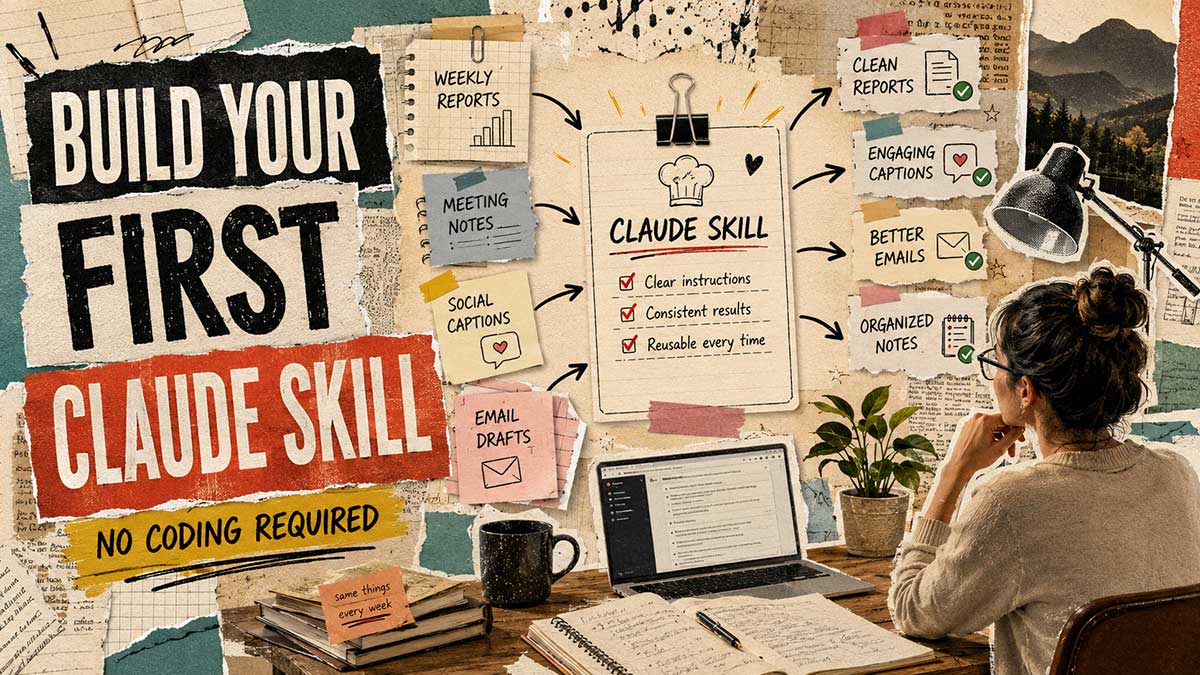
If you've got Claude's basics down, you know how to prompt it, you've maybe done a memory setup, there's a next step almost nobody takes, and it's not because it's hard. It's because "Skills" sounds like a developer feature, and most tutorials on it confirm that fear by showing you file structures and markdown syntax five seconds after promising "no coding required."
Here's the actual truth: this is a Claude AI Skills guide for non-developers, and learning how to build a Claude Skill without coding is closer to writing a recipe than writing software. Whether you're a content creator, a marketer, or just someone drowning in the same five recurring tasks, you're not coding anything. You're describing a job once, in plain language, so you never have to re-explain it again. This is the full walkthrough, genuine automation without coding, no YAML in sight.
1. What a Skill actually is, in plain terms
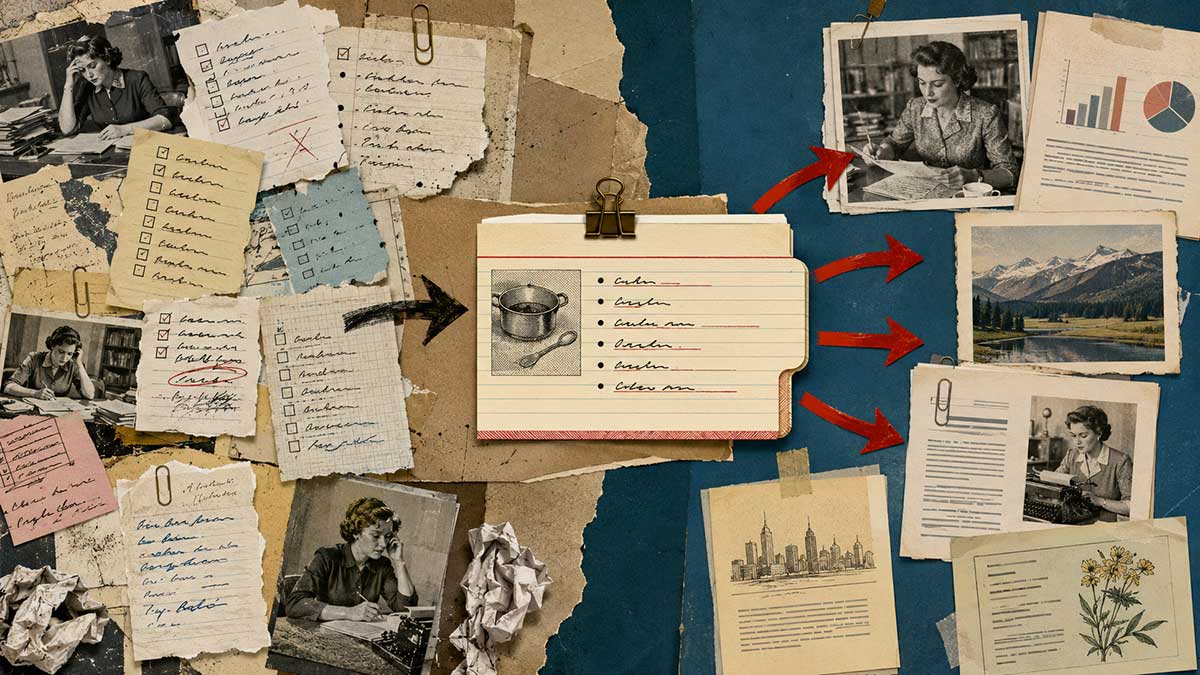
Think about anything you ask Claude to do the same way, every single time. A weekly status update. A specific way you format social captions. The way you always want a first draft structured before you touch it yourself.
Right now, you're probably re-explaining that structure every time you ask. A Skill is what happens when you package that explanation once and hand it to Claude permanently. From then on, you don't repeat the instructions. You just ask for the thing, and Claude already knows the shape it needs to take.
It's the same shift as writing down a recipe instead of reconstructing it from memory every time you cook. Get it right once, and you never have to remember the exact measurements again. You just follow the card.
2. How the Skill Creator interview actually works
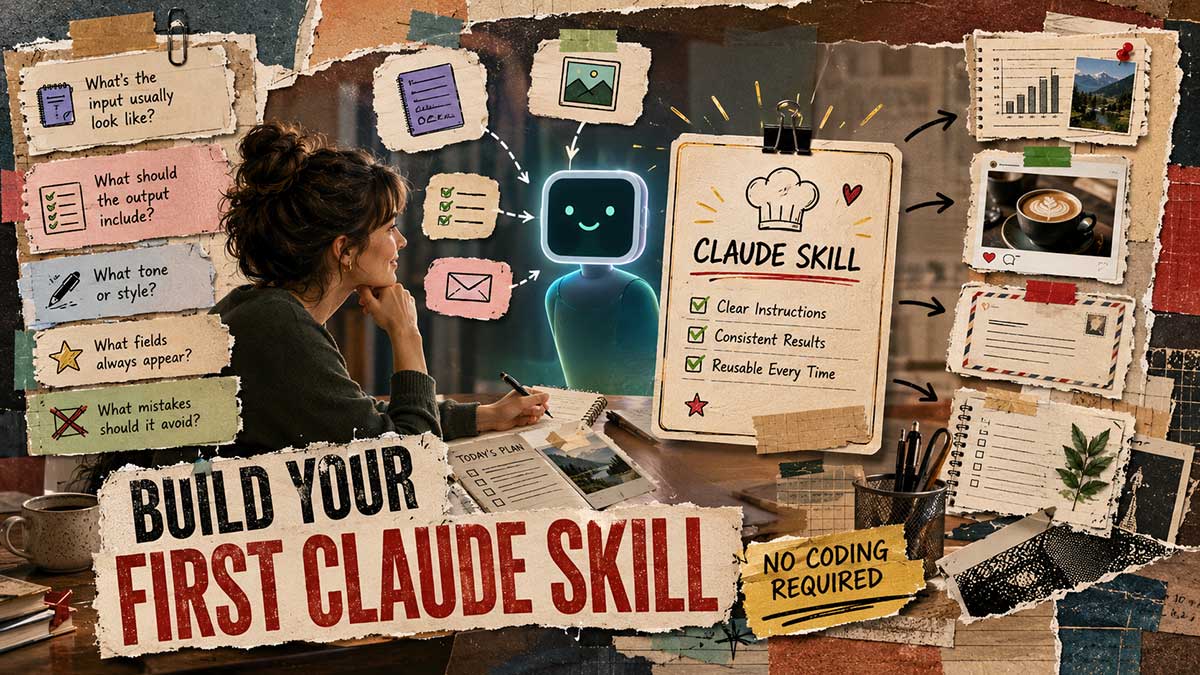
You don't sit down and write a Skill's instructions yourself. There's a built-in tool, usually surfaced as "Skill Creator," that interviews you instead.
Here's what that looks like in practice. You tell Claude you want to build a Skill for something specific, say, turning your rough meeting notes into clean action items. Claude then asks you a series of questions: what does the input usually look like, what should the output contain, are there fields that always need to appear, is there a particular tone or structure you want followed, are there mistakes it's made before that you want it to avoid going forward.
You answer in plain sentences. No formatting required. If you'd rather talk than type, this is a good place to use Claude's voice mode. Just speak your answers to each question instead of typing them out, especially if the Skill you're building has a lot of nuance to explain. Once the interview's done, Claude assembles all of it into a working Skill behind the scenes. You never touch a file.
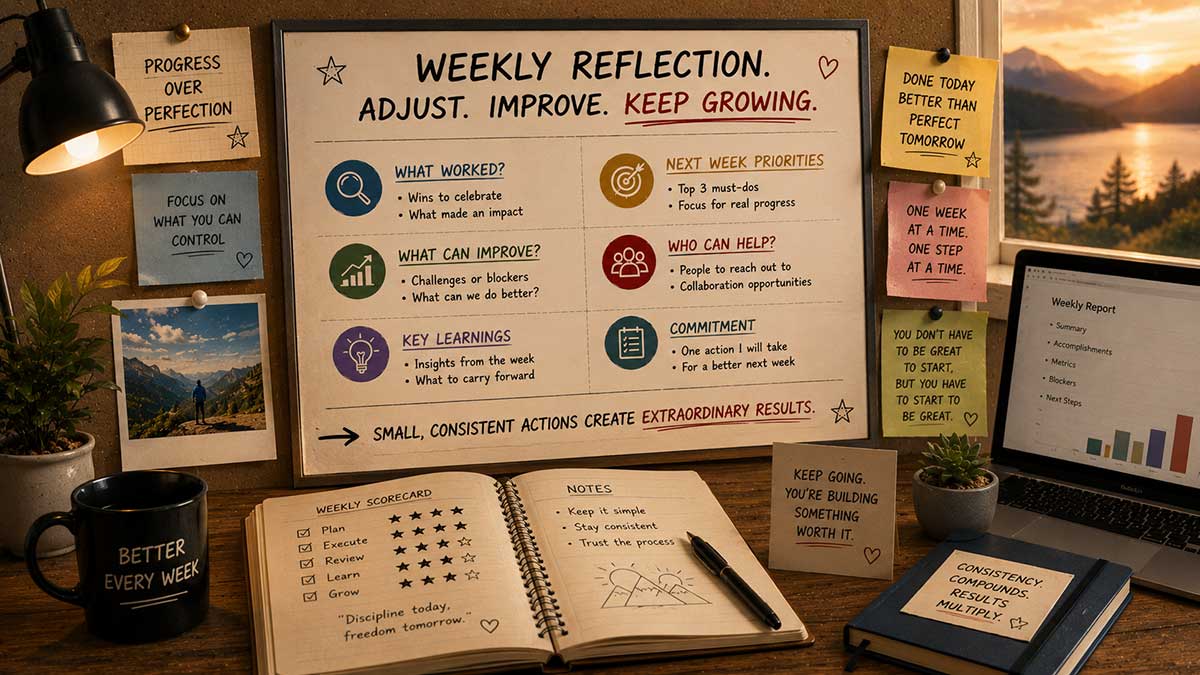
3. A full example: building a weekly report Skill
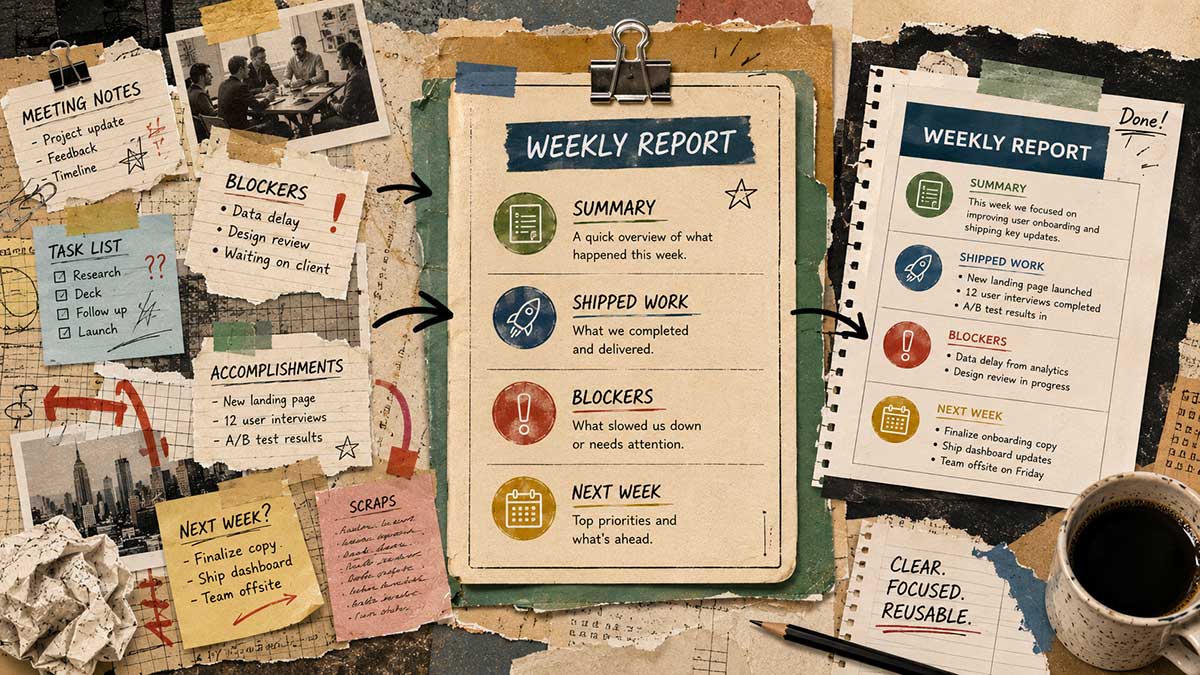
Let's make this concrete. Say you send a weekly update to your manager, and it always follows roughly the same shape: what shipped, what's blocked, what's coming next week.
You'd start the Skill Creator and say something like: "I want a Skill for my weekly status update." Claude asks what sections it should always include. You say: shipped, blocked, next week, and a one-line summary at the top for people who only read the first sentence. Claude asks about tone. You say: direct, no corporate language, short sentences. Claude asks if there's anything it should never do. You say: never pad a section just to make it look full. If nothing's blocked, just say "nothing blocked" and move on.
That's the whole setup. From that point forward, you just say "give me this week's status update" and paste in your rough notes.
A couple of other quick Skill examples worth knowing, if you want a sense of the range: a content creator might build one for turning a long-form script into three platform-specific captions with the hashtags stripped out. A marketer might build one for reformatting a product brief into ad copy at three different lengths. Every one of these is proof that you can build a Claude Skill without coding a single line. The mechanism is identical each time: describe the job once, use it forever.
4. Give Claude a consistent role for the whole project, not just one task

A Skill handles a specific recurring task. A role is broader, it's the identity Claude holds for an entire project, across every task inside it.
If you're working on a specific client's account, tell Claude what role it's playing for that project: "For everything in this project, you're writing as our brand's internal comms voice, direct, a little dry, never salesy." Set this once, and it holds steady across every task in that project instead of drifting back toward a generic tone every few messages.
Quick note on Skills vs. Projects: these solve different problems and people often mix them up. A Skill is a portable set of instructions for one recurring task, usable anywhere. A Project is a separate workspace with its own memory, useful for keeping a client's context contained. You can use a Skill inside a Project, but they're not substitutes for each other. A Skill is what Claude does. A Project is where Claude does it.
5. Set an output style once instead of repeating your tone request
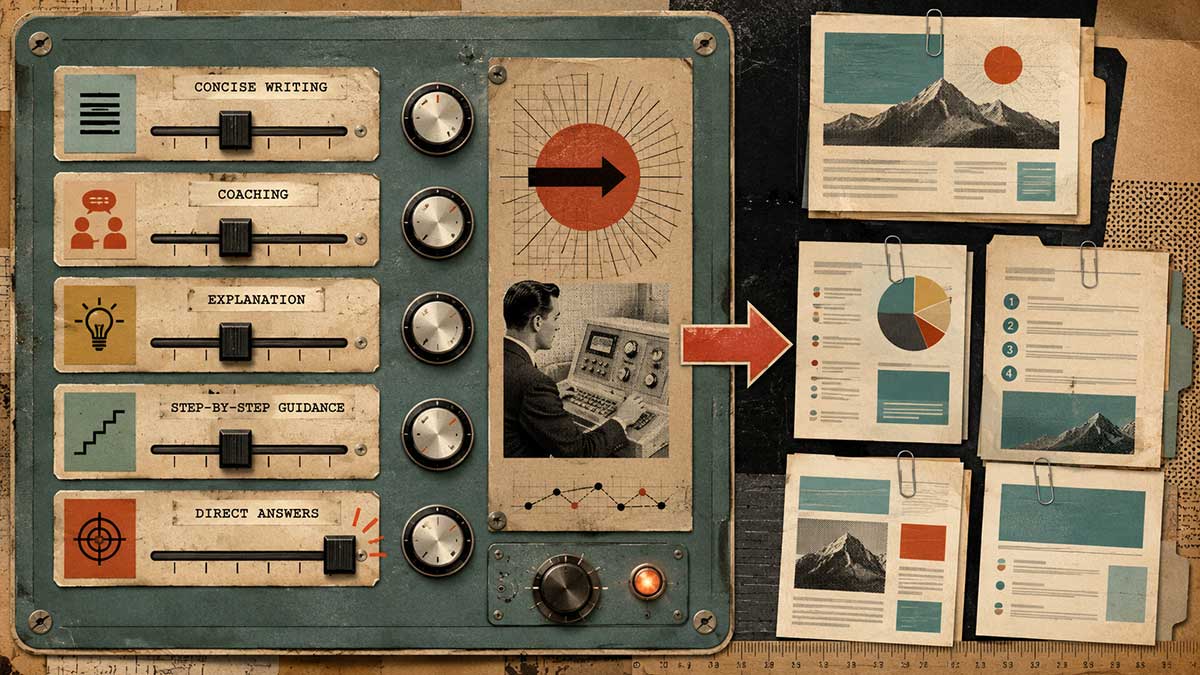
Beyond a single project's role, there are broader output styles you can set at the account level. One has Claude explain its reasoning as it works, one coaches you through a change instead of just making it for you, and others are available depending on your version.
If you catch yourself typing "explain your thinking" or "walk me through why" at the start of half your prompts, that's a sign this should be a setting, not a habit you repeat by hand every time.
6. The "stakes" prompting trick

This is the single highest-leverage prompting change once you're past the basics. Before you hand Claude anything with real consequences, tell it who's going to see the output and what failure actually looks like.
"Write up these Q3 numbers" gets you something generic. "This goes to our board, they're skeptical about the AI budget, and if it reads defensive instead of strategic I'll have a hard meeting" gets you something that actually accounts for the room it's walking into.
7. Why a Skill sometimes doesn't trigger, and the fix
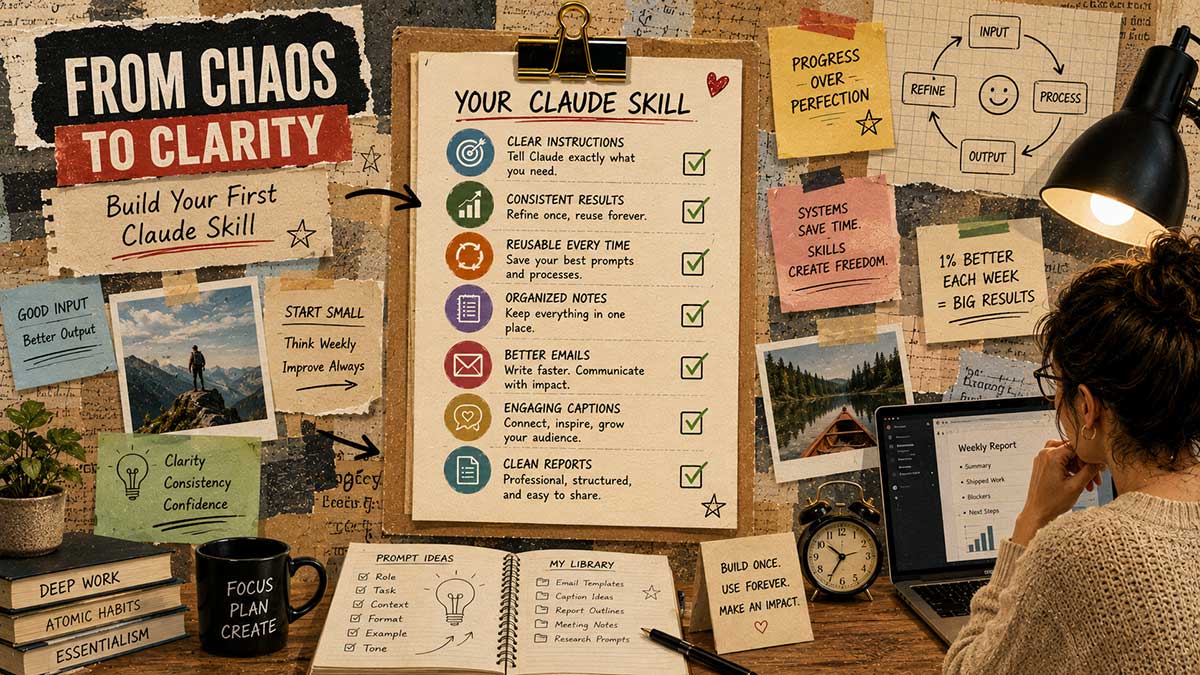
Every so often, you'll ask for something a Skill should obviously handle, and Claude answers as if the Skill doesn't exist. This isn't random. It usually comes down to the description Claude uses to decide when a Skill applies. If that description is vague or too narrow, Claude won't reliably recognize when your request matches it.
The fix is to go back into the Skill and make the trigger description more specific, closer to how you'd actually phrase the request in real life, rather than how you described the task abstractly when you first built it.
8. Stacking multiple Skills without them stepping on each other
Once you've built two or three Skills, it's tempting to assume Claude will just figure out which one applies to a given request. Mostly it does, but the more Skills you have, the more specific each one's description needs to be to avoid overlap.
If you've got a Skill for weekly reports and another for monthly summaries, make sure the trigger language is distinct enough that Claude isn't guessing between them.
9. Connecting Gmail and Calendar as the natural next step
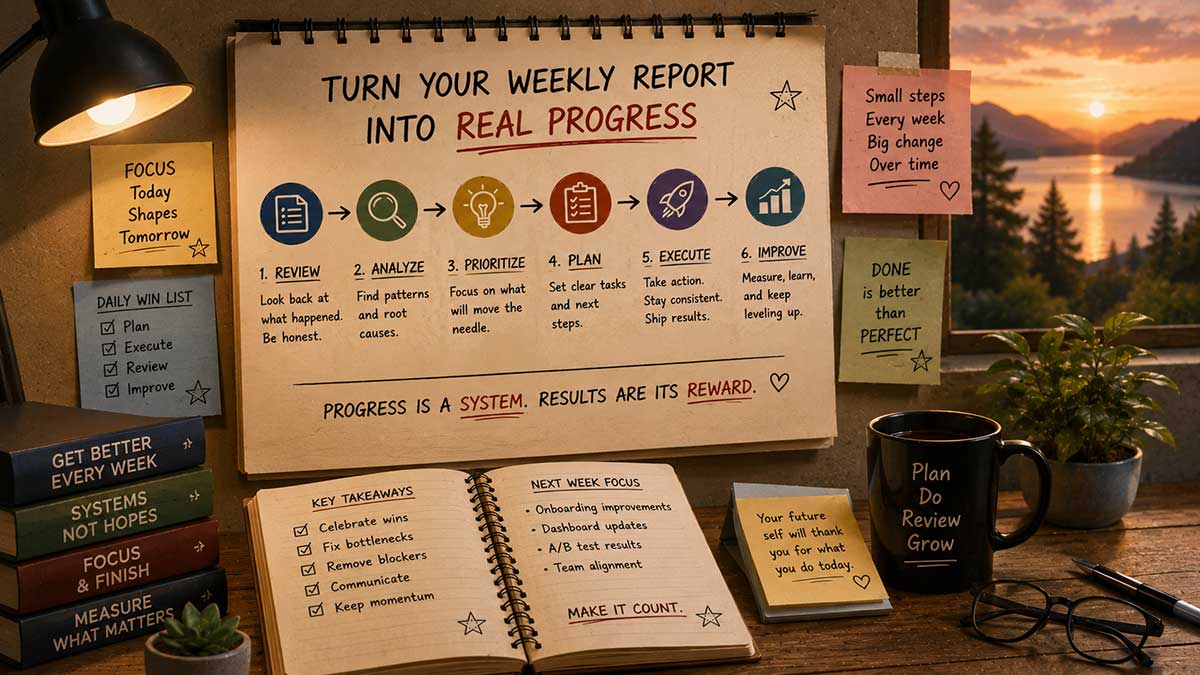
Once Skills are handling your recurring tasks, connecting your inbox and calendar is the logical next layer, because now Claude has both the tools and the instructions to actually act on real information instead of hypothetical examples.
With Gmail connected, Claude can pull from what's actually sitting in your inbox and draft replies instead of you writing from scratch, though it only drafts, never sends. With Calendar connected properly, Claude can find genuine scheduling gaps instead of guessing at your availability.
10. Knowing when you've outgrown Skills in Chat
Skills inside a normal Claude conversation are built for tasks that start and end with you asking a question and getting an answer back. At some point, you'll hit tasks that don't fit that shape, things that need to read across several files, or run on a schedule without you sitting there prompting each step.
That's the signal it's time to look at Cowork, which handles the same kind of Skills but inside a standing setup that can work on its own schedule. Most people get real value out of Skills in regular chat for months before they need that next layer.
Where this leaves you
None of this required touching a single line of code. You described how you already work, Claude turned that into something reusable, and from here, your actual productivity workflow gets faster instead of starting from a blank page every single time.
If there's one skill worth taking from this piece, it's this: once you know how to build a Claude Skill without coding, every recurring task in your work stops starting from zero. If you only do one thing from this list, make it the Skill Creator interview for whatever task you repeat most often right now. It's the one change that keeps paying off, week after week, long after you've forgotten you set it up.

Leave a Reply